STEP 01
Every format, one selection
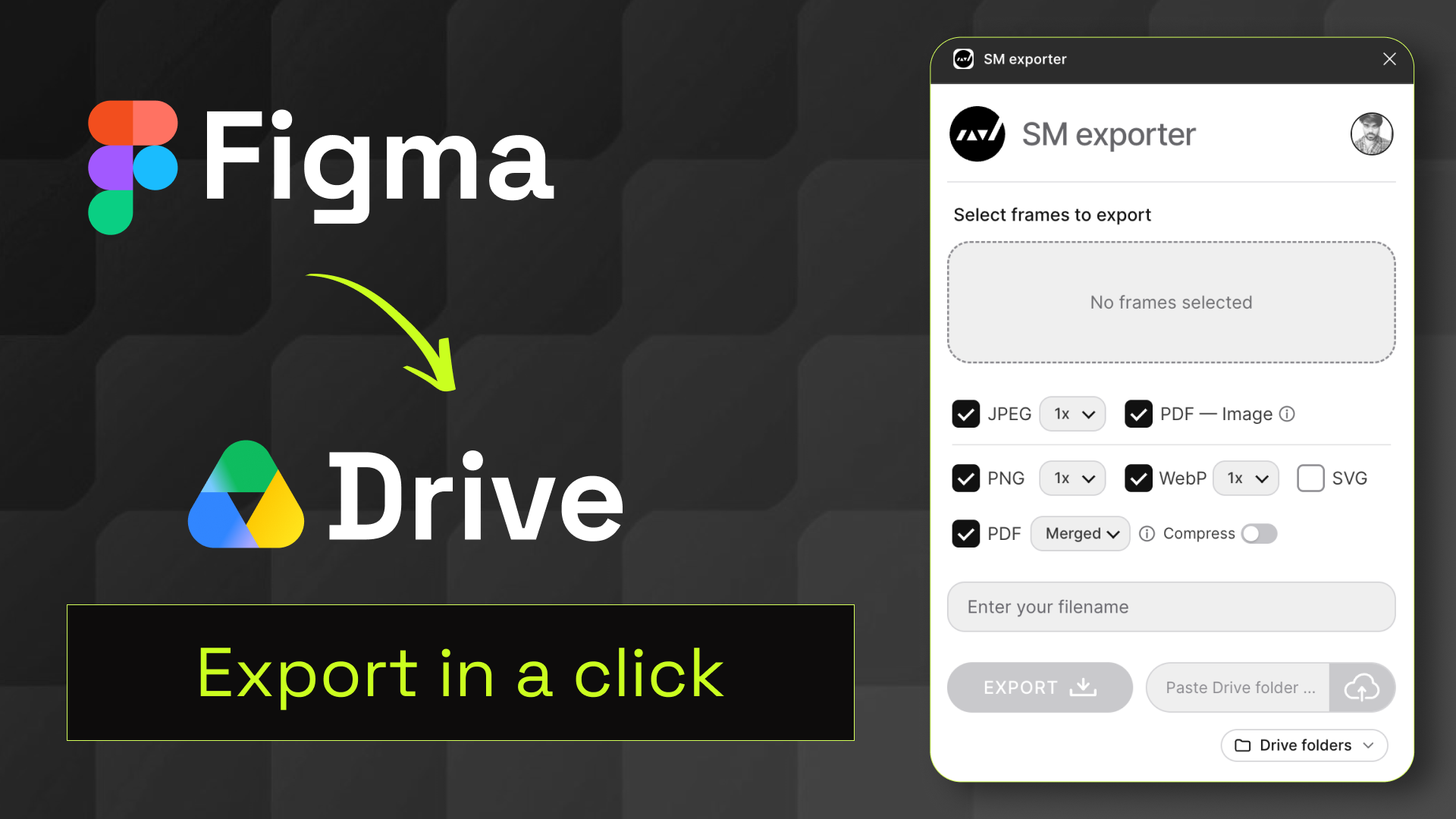
Export JPEG, PNG, WebP, SVG and PDF from the same selection, with a scale you can set for each image format.
 SM Exporter
Open in Figma
SM Exporter
Open in Figma
A plugin for Figma, built for faster exports
Export selected frames as JPEG, PNG, WebP, SVG or one merged PDF — compressed if you like. Then send it straight to Google Drive, with no downloading first.
TRY IT YOURSELF
Pick a few sample frames and adjust the export settings to see how it works. It's just a preview — nothing is exported or uploaded.
Export JPEG, PNG, WebP, SVG and PDF from the same selection, with a scale you can set for each image format.
Merge frames into a single PDF, export them separately, or build a PDF from images — then compress it to keep the file small.
Paste a folder link or browse your Drive folders inside the plugin. Files upload directly — no download, no switching back to the browser.
Select frames to try the export workflow
SM exporter
Select frames to export
Demo only. To use the real plugin, open SM Exporter in Figma.
GET STARTED
Stop downloading files just to upload them again. Install SM Exporter from the Figma Community.
Get SM ExporterPRIVACY & CONTROL
Google Drive is optional and only used when you choose to upload. See exactly what's handled and how to revoke access.
Read the privacy policy